A content calendar built for consistent publishing
See what is going out, where and when
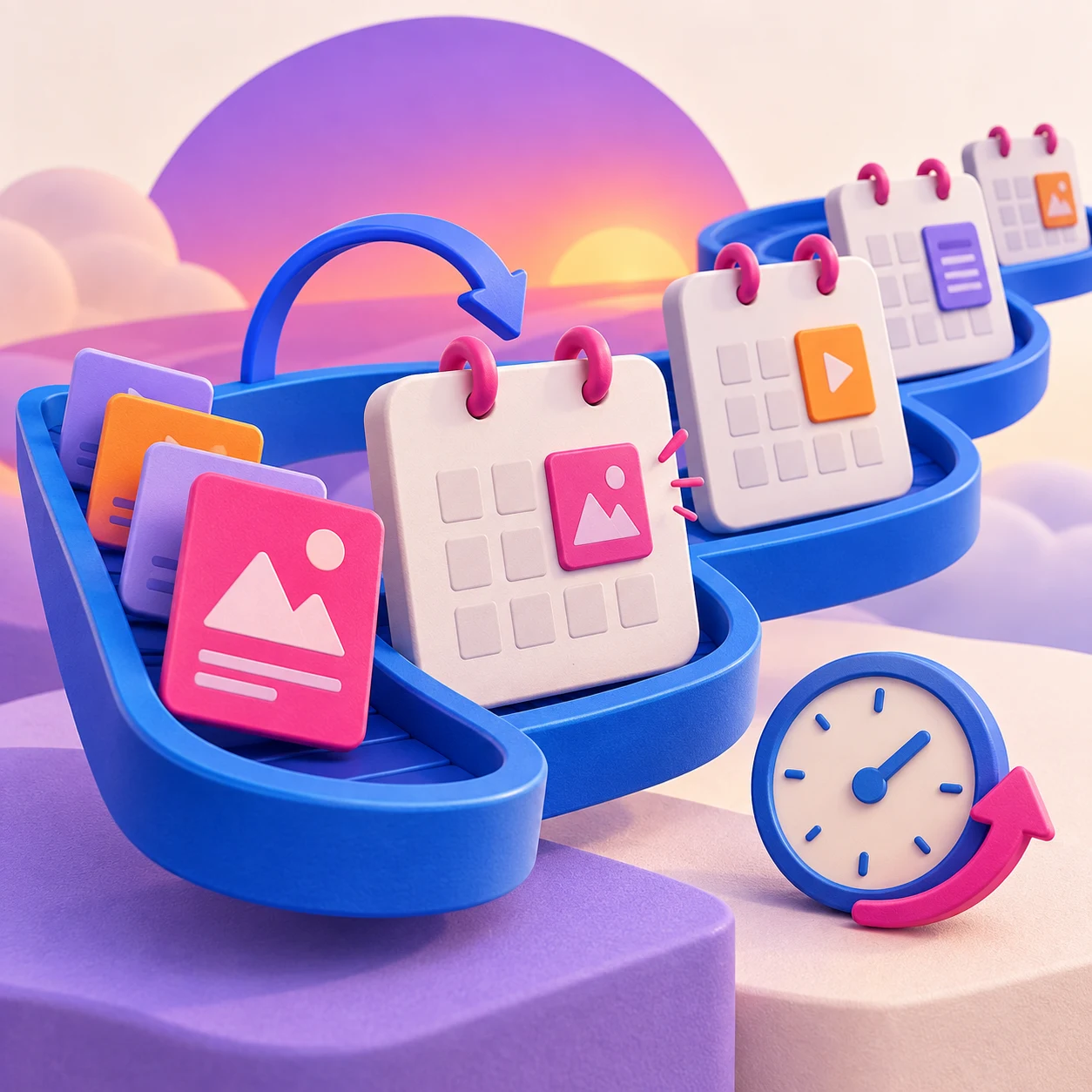
The visual calendar brings every channel into one view, including work prepared before its publishing account has been connected.
- Plan the month at a glance — See platform icons, campaign timing and gaps in the schedule.
- Repeat the work that should repeat — Set recurring schedules and plan campaigns that run across several days.
- Start with the media — Upload images or video first, then write the post when you are ready.
Change the plan without rebuilding it
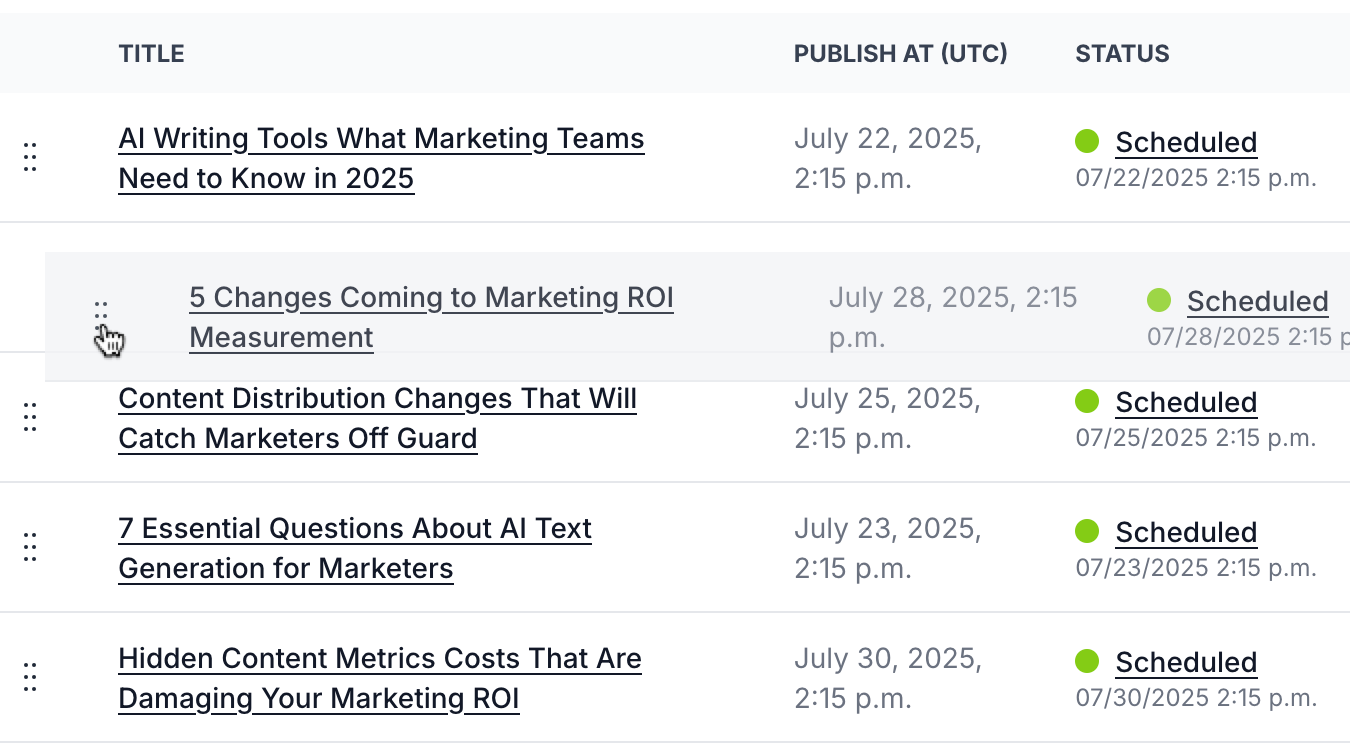
Drag content to another date or open it directly from the calendar to make a quick edit. The post, media and approval state stay together.
- Drag-and-drop rescheduling — Move content when priorities or client plans change.
- Quick edits in place — Create and edit content without leaving the calendar view.
- Translations stay aligned — Copy dates and publishing status between the original and its translations.

Create new work while you can still see the shape of the plan
Start a new post from the calendar when a gap becomes obvious. The date is already part of the brief, so planning and creating remain one connected job.
- Create in context — Start from the date and campaign you are already reviewing.
- See gaps sooner — A month view makes quiet weeks and crowded days easy to spot.
- Keep the calendar useful — Draft, approved and scheduled work all stay visible in one plan.

Write it now. Publish it when it matters.
Move from approved content to a clear cross-platform schedule in the same workspace.
See the whole plan
- View scheduled content across projects and platforms on a visual calendar.
- Spot gaps, clashes and busy weeks before they become a problem.
- Plan recurring content and campaigns that run over several days.
Change plans quickly
- Drag and drop content to reschedule it.
- Create or edit posts without leaving the calendar.
- Prepare campaigns in advance instead of scrambling on publishing day.
Schedule across channels
- Queue content for your connected social channels and WordPress.
- Schedule each platform's own version from one campaign.
- Let the calendar carry the publishing routine when client work gets busy.
FAQs
A social media content calendar shows what will be published, on which channel and on what date. Bazam combines Facebook, Instagram, LinkedIn, X, TikTok and WordPress content in the same visual plan.
Yes. Move a post to another date on the calendar and its content, media and workflow status move with it.
Yes. You can create custom recurring schedules as well as campaigns and events that run across several days.
Yes. A quick editor lets you create or edit content and upload media without leaving the calendar view.
Yes. Publishing dates and statuses can be copied between the original content and its translations, helping language-specific channels stay coordinated.