How Bazam works
Automatically write and publish social and blog posts, then fetch analytics
Schedules & publishes to



Two-step set up, three-step publishing
Bazam works your business out from your website, so onboarding is mostly checking that it got you right.
Point Bazam at your website
It reads your business, brand and offerings, and audiences you sell to, then builds a detailed 30-point audience profile for each. Tweak them to taste or add more.
Connect your channels
Facebook, Instagram, TikTok, X, LinkedIn and WordPress. If you publish for clients, they connect their own accounts, so you never see anyone's login.
Pick an audience, run a wizard
Choose who it's for and optional angle, then pick the format. Your brand voice, knowledge base and audience profile are already applied, so there is no prompt to write.
Drop it on the calendar
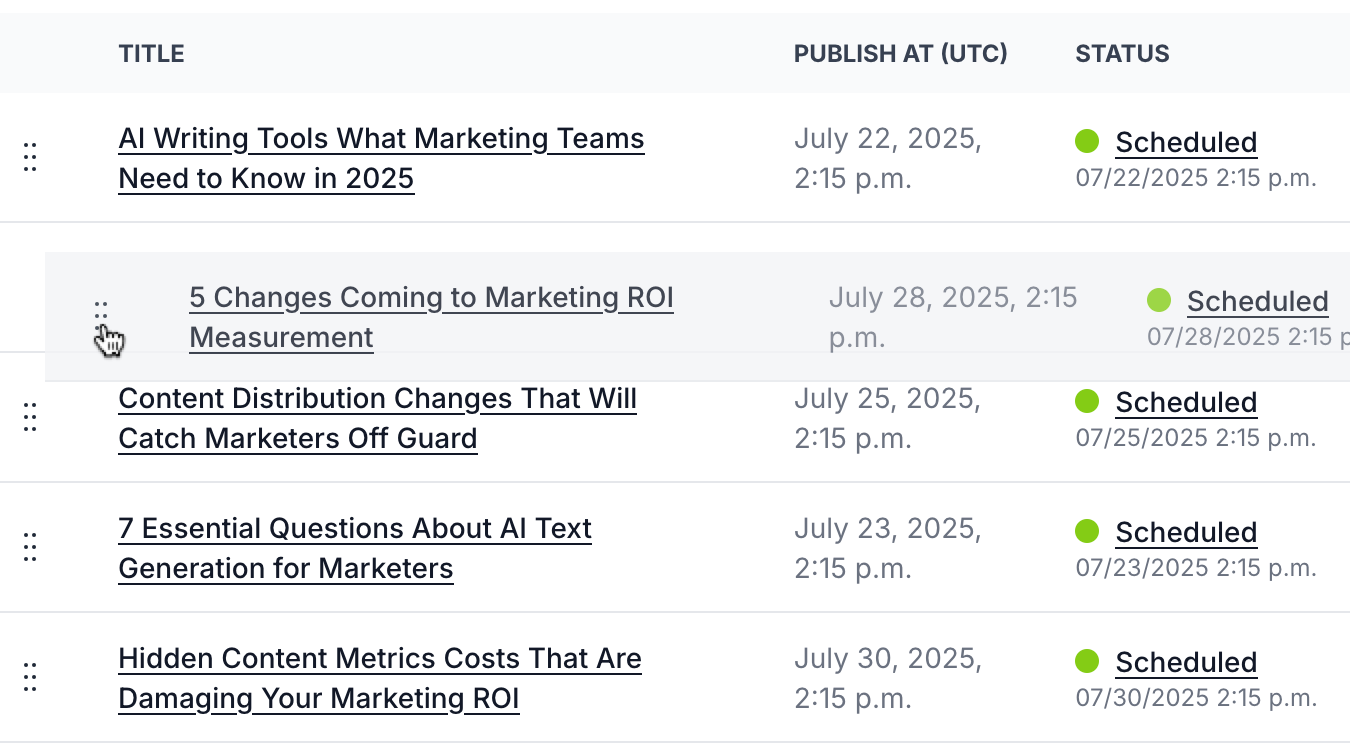
One brief becomes a version per platform, with copy, tone and aspect ratio adapted to each, plus translations into 50+ languages if you want them. Drag it anywhere in the month.
It publishes. You get the numbers.
Straight to your channels on schedule, then engagement, reach and growth normalised across all of them and rolled up by campaign.
Steps 1 and 2 happen once and take minutes. Do steps 3 to 5 weekly or monthly to fill your calendar.
Steps 4 & 5 are what AI writers skip
This is where a writing tool stops and hands the work back to you.
Drag, drop, done
Put content on the calendar as you create it, then drag and drop to adjust the plan whenever you need.
Six platforms, one queue
No exporting, no reformatting, no logging into six places on a Sunday night.
Nothing goes live without a yes
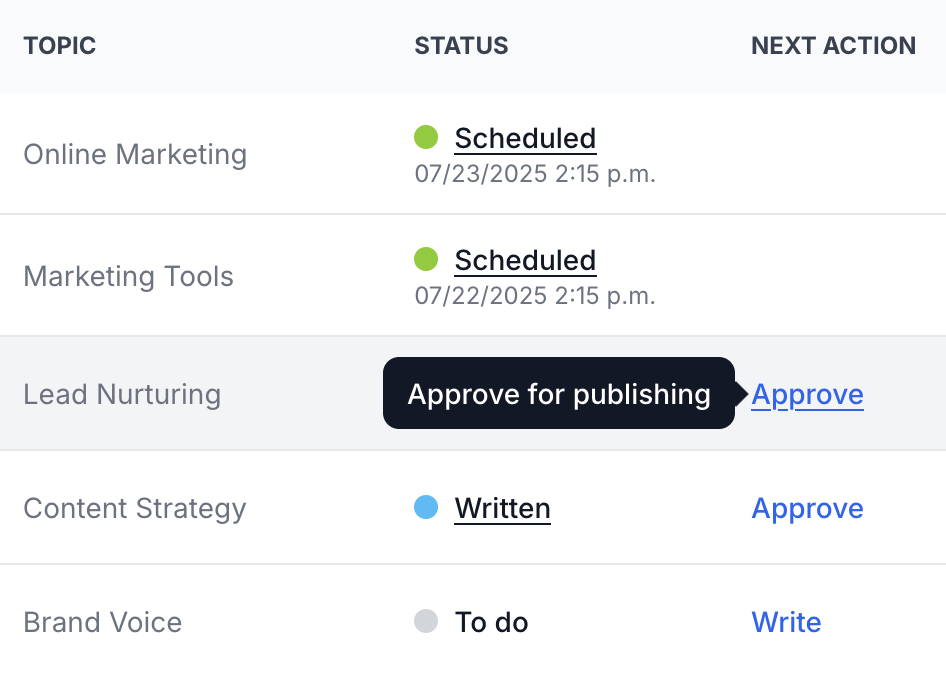
Turn approvals on and everything waits for sign-off. Clients review in their own portal, without ever seeing your password.
Schedules & publishes to
Publishing consistently is what makes content marketing work, and it is the first thing to slip when you get busy.
Bazam vs how it's done now
Most people cover this job with a chat assistant, an AI writing tool, a scheduler, or all three. Here's what each one leaves you to do yourself.
| A chat assistant | AI writing tools | Social schedulers | Bazam | |
|---|---|---|---|---|
| What it knows about your reader | ||||
| Who it's writing to |
Whatever you typed this time
|
One line in a text box
|
Nobody. You write the post
|
A 30-point model, per audience
|
| Knows their drivers, values and buying behaviour |
|
|
|
|
| Still knows next month |
Gone with the chat
|
Only the sentence you saved
|
|
The model is yours
|
|
Knows your company, brand and offerings
Held as profiles, applied to everything you generate |
Re-paste it every time
|
Brand voice only
|
|
|
| Generating | ||||
| A different angle for each audience, from one brief |
Only if you re-prompt
|
|
|
|
| Marketing content types built in |
|
|
|
30+
|
| One brief becomes a version per platform |
|
|
Same text everywhere
|
|
| Getting it out the door | ||||
| Publishes to your channels |
|
|
|
6 platforms and your blog
|
| Content calendar and scheduling |
|
|
|
|
| Translation into 50+ languages |
One at a time, by hand
|
|
|
|
| Analytics on what you published |
|
|
|
Normalised across channels
|
|
Approvals and client sign-off
Clients review in their own portal, without your passwords |
|
|
|
Clients keep their own logins
|
| Written, scheduled and published in one place |
|
|
|
|
What it knows about your reader
Who it's writing to
Knows their drivers, values and buying behaviour
Still knows next month
Knows your company, brand and offerings
Held as profiles, applied to everything you generate
Generating
A different angle for each audience, from one brief
Marketing content types built in
One brief becomes a version per platform
Getting it out the door
Publishes to your channels
Content calendar and scheduling
Translation into 50+ languages
Analytics on what you published
Approvals and client sign-off
Clients review in their own portal, without your passwords
Written, scheduled and published in one place
Run it for other people without their passwords
If you publish on behalf of clients, the awkward part has never been the writing. It's the logins, the sign-off chase and the version that went live before anyone checked.
-
They keep their own accounts – Clients connect their channels themselves. You publish on their behalf and never handle a password, which kills the most uncomfortable email in onboarding.
-
They sign off in their own portal – Invite a client to review and approve their posts. No shared inbox, no screenshots in Slack, no wondering whether silence counts as a yes.
-
Everyone sees only their own work – Separate projects per brand or client, with role-based access, so nothing bleeds between accounts.
Approvals are optional. Turn them off and everything publishes the moment it's queued.

Every market at once, in your voice
Translation is normally where one campaign turns into six separate jobs.
-
50+ languages from the same brief – Your brand voice carries into each one, so a reader in another market gets the full argument rather than a flattened one.
-
Grouped channels stay in step – Group your channels by language and publish across all of them together, with category names translated to match.
-
Change the original, the rest gets flagged – Update a piece and every translation of it is marked for a refresh, so you're never publishing last quarter's message in three languages.
FAQs
The label is just a shortcut. An audience profile describes anyone you write to: the people who open your emails, read your blog, or scroll past your posts. A charity has donors and volunteers. A creator has fans. A local business has regulars. The profile works the same way for all of them.
Under an hour for most people, and you only do it once. Most of that is reading through the audiences Bazam came back with and connecting your channels. After that, a month of content is a single sitting.
No. Plenty of people generate in Bazam and publish somewhere else, or connect one channel and add the rest later. The audience profile is the part that changes the output, and it works from step two onwards.
Write away. The editor has AI actions when you want them (rephrase, expand, shorten, fix the flow) and stays out of your way when you don’t. Everything downstream still works: per-platform versions, calendar, translation, publishing.
Yes. Generate hundreds of pieces from one set of parameters, with near-duplicates removed automatically. Useful for product catalogues, location pages and topic clusters.